
Animation and the game loop
Films are lots of still pictures shown quickly one after another, and games are too. In this chapter you'll write the loop at the heart of every game: move things, draw everything, show it, and do it again.
A bouncing ball
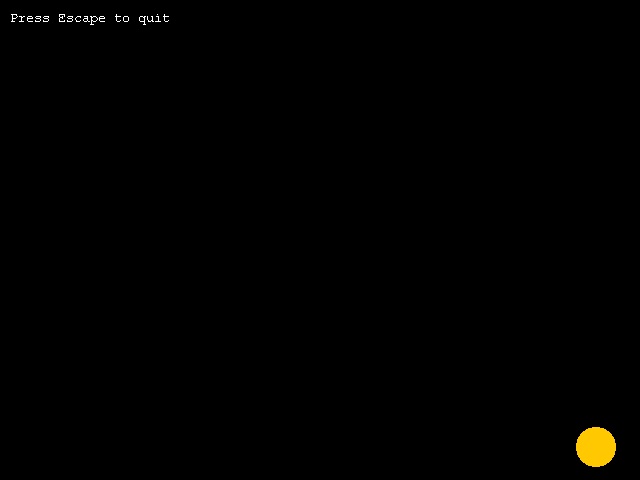
; A bouncing ball: the game loopGraphics 640, 480SetBuffer BackBuffer() ; draw out of sight, then show it all at oncex# = 320 : y# = 240 ; where the ball isdx# = 4 : dy# = 3 ; how far it moves each frameWhile Not KeyHit(1) ; until Escape is pressed ; move x = x + dx y = y + dy ; bounce off the edges If x < 20 Or x > 620 Then dx = -dx If y < 20 Or y > 460 Then dy = -dy ; draw Cls Color 255, 200, 0 Oval x - 20, y - 20, 40, 40 Color 255, 255, 255 Text 10, 10, "Press Escape to quit" Flip ; show the finished frameWendEnd
The game loop
Every pass round the While loop makes one frame:
- Move: add the ball's speed to its position.
- Check: if it has reached an edge, turn it round.
dx = -dxflips its direction: moving right (4) becomes moving left (-4). - Draw: clear the screen and draw the ball in its new place.
- Show:
Flipputs the finished frame on the screen.
Flip waits for the screen to be ready for a new picture, which happens about 60 times a second, so the loop runs at a steady speed. That's why the ball moves smoothly instead of at a blur.
Drawing behind the scenes
If you drew straight onto the screen, people would see each frame being cleared and redrawn, which makes it flicker. SetBuffer BackBuffer() tells ArcBasic to draw on a hidden page instead, and Flip swaps it onto the screen in one go. Use this pair in every program that moves things.
Stopping
While Not KeyHit(1) means "keep going until the Escape key is pressed". Every key has a number, and Escape is 1. There's more about keys in the next chapter.
The position uses floats (x#), so the ball can move by fractions of a pixel. Try a speed of 0.5 to see why that's useful.
Try this
- Make the ball faster or slower, or bigger or smaller. (Careful: the edge checks use the ball's size, 20.)
- Take out
Clsand see what happens. Can you explain it? - Add a second ball with its own
x2#,y2#,dx2#anddy2#, in a different colour. - Make the ball fall like a real one: add a little to
dyevery frame (dy = dy + 0.3).