
Samples
Samples to run and remix
Short programs that each show off an idea. Open one, press F5, then start changing it.
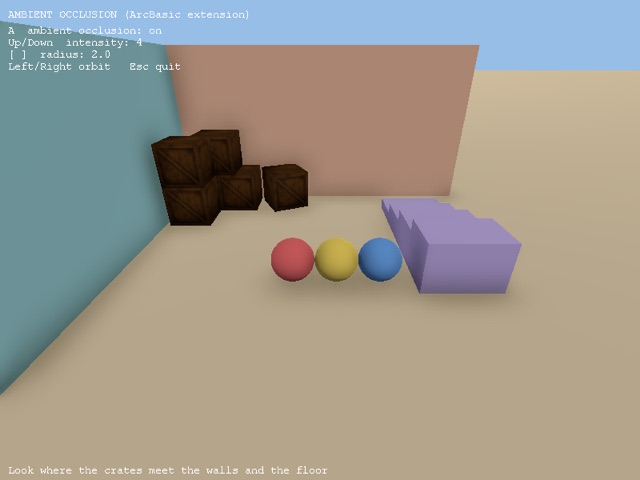
Ambient Occlusion
CameraAmbientOcclusion darkens the creases, corners and gaps where surfaces meet, the way real light struggles to reach them. It works on everything the...
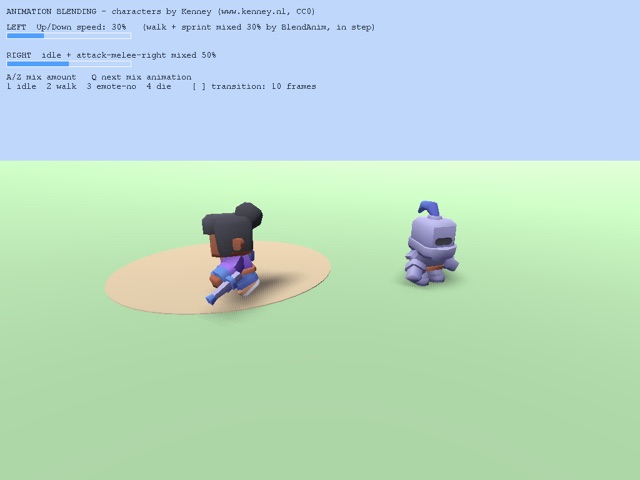
Animation Blending
Animation blending Two ways to blend animations: * BlendAnim mixes a second animation over the one playing, by any amount. Left: walk and sprint are mixed...
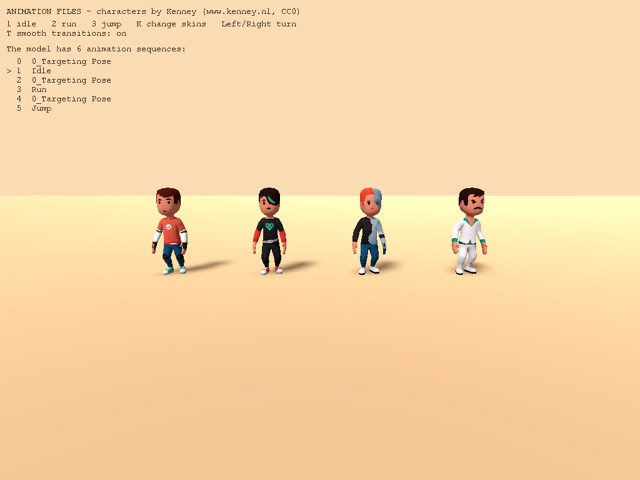
Animation Files
Animation files - one model, animations from separate files model, separate .fbx files for each animation, and skin textures. LoadAnimSeq adds the...
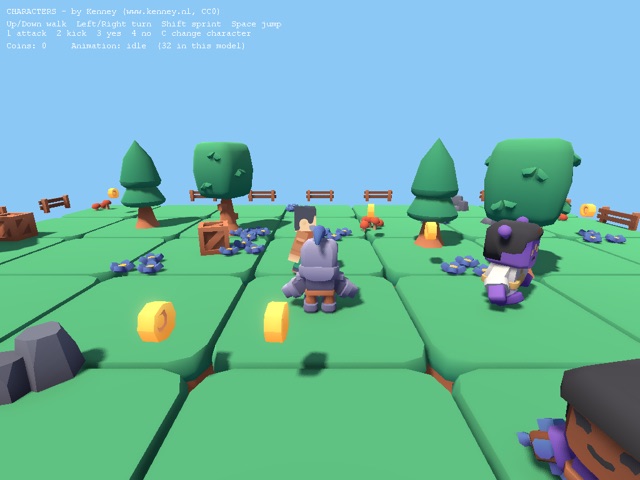
Characters
Characters - cute animated characters Characters from Kenney's Mini Characters and Blocky Characters packs FindAnimSeq picks an animation by name ("idle",...
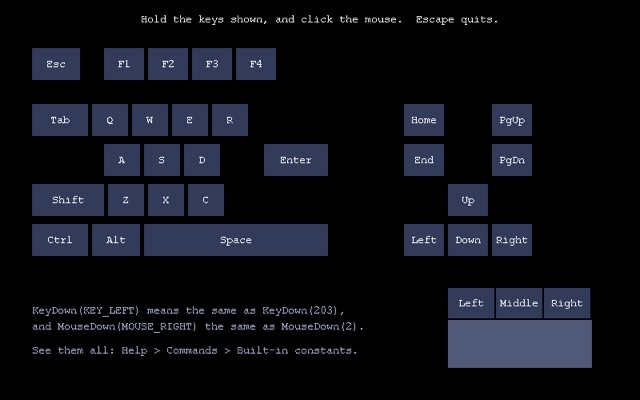
Constants
Named keys and mouse buttons light up while you hold them. Hold any of the keys shown, click the mouse buttons. Escape quits.
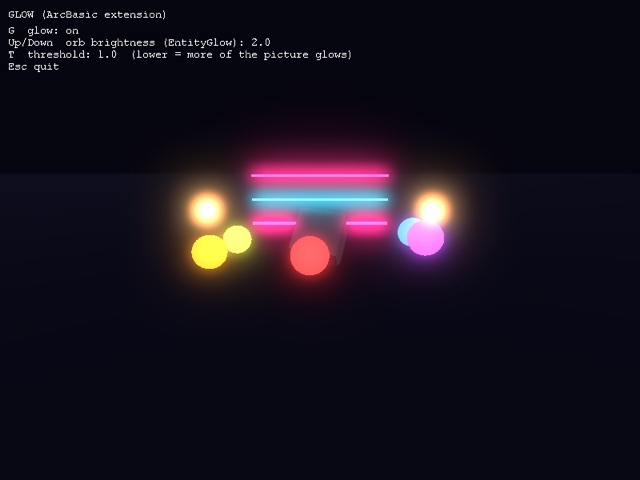
Glow
CameraGlow makes the brightest parts of the picture bleed light into their surroundings. EntityGlow makes an entity give off its own light, bright enough to...
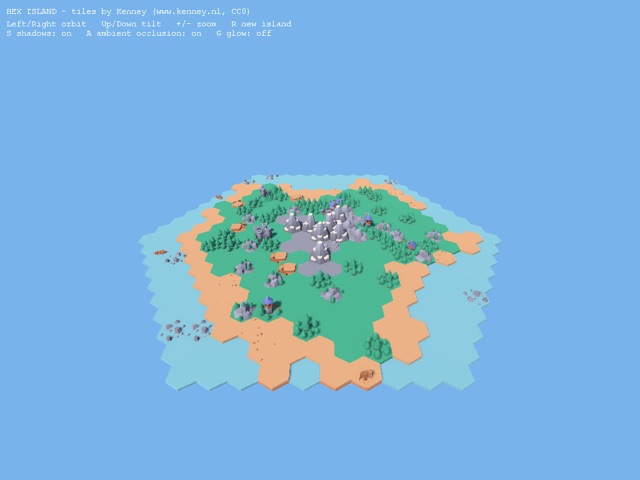
Hex Island
Hex Island - a world built from hexagon tiles water, beaches, grass, forests, hills and mountains, with villages and ships. It also shows off the ArcBasic...
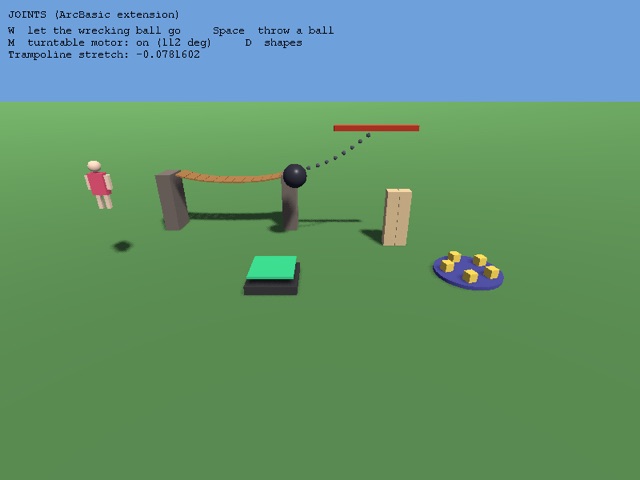
Joints
Physics joints hold bodies together while letting them move: - a rope bridge of planks, each hinged to the next - a wrecking ball on a chain of pins, held...
Physics
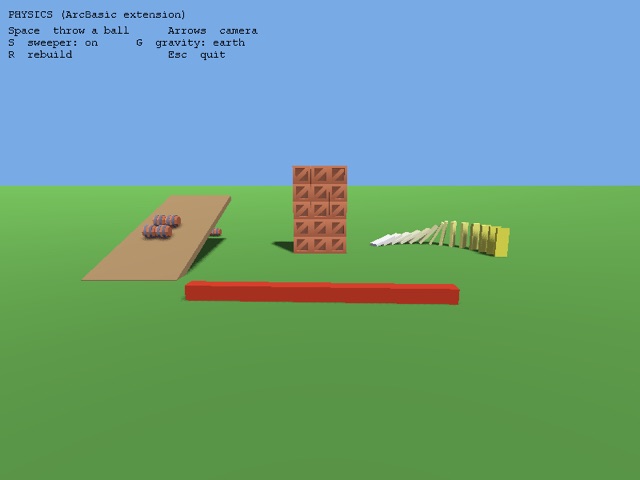
Rigid bodies: give an entity a body with EntityPhysics and UpdateWorld moves it - falling, sliding, tumbling and bouncing off everything else. static (1)...
Physics Toys
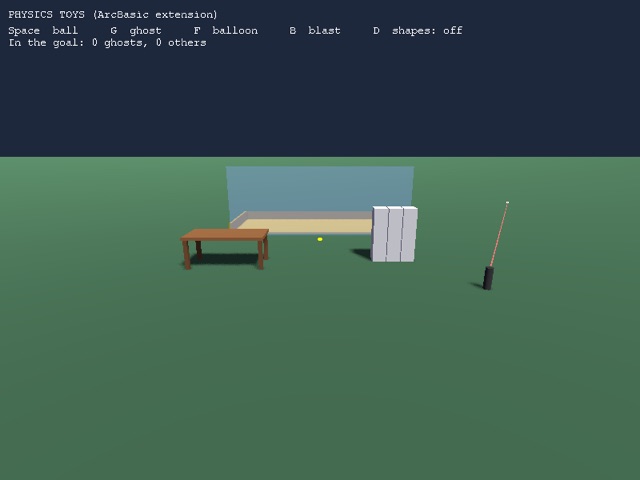
More physics: bodies built from several shapes, physics types that pass through each other, triggers, line picks, overlap tests and gravity scale. - the...
Playground
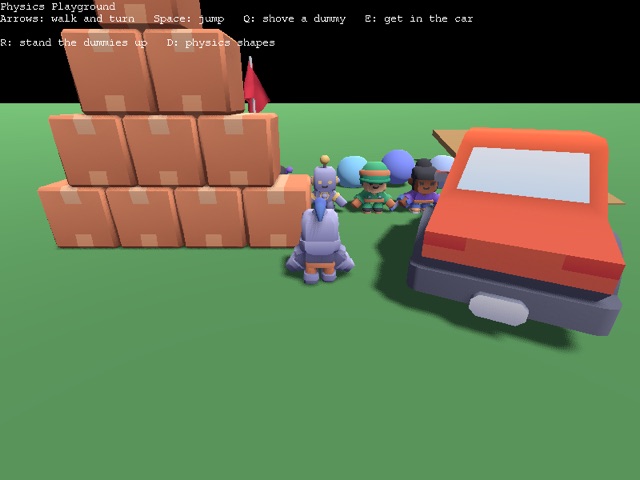
Characters, vehicles, soft bodies and ragdolls together in one little world. On foot: Arrows walk and turn Space jumps Q shoves a dummy E gets in the car...
Shadows
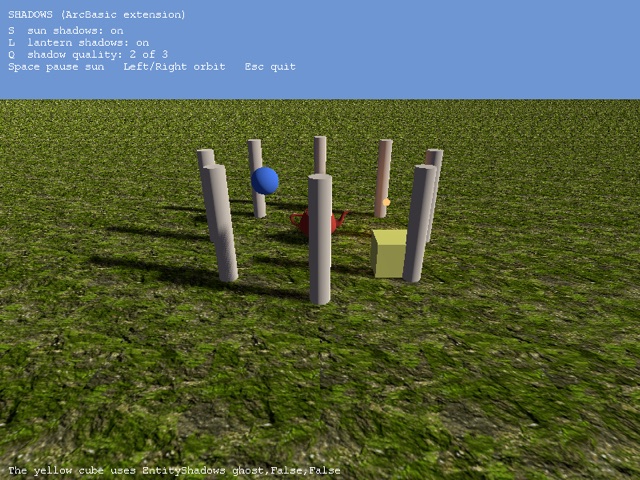
LightShadows makes a light cast real-time shadows EntityShadows chooses what casts and receives them ShadowQuality sets how sharp and smooth they are
Anim
Open it to read the code, then press F5 to run it.
; you will notice the animation gradually; drives itsself out of sync. this is because; the start and end frames are not identical.;; looks like he's swimming after a whileGraphics3D 640,480,16,2camera=CreateCamera()PositionEntity camera,0,25,-60light=CreateLight()AmbientLight 128,128,128;load flareflare=LoadSprite("flare.bmp",1)ScaleSprite flare,5,5HideEntity flare
Makbot
you will notice the animation gradually drives itsself out of sync. this is because the start and end frames are not identical. looks like he's swimming...
Castle
The castle demo!
Repeat n_dudes=Input$( "Number of dudes (1-50):" )Until n_dudes>=1 And n_dudes<=100Global info1$="Collision demo"Global info2$="Arrow keys/A/Z To drive, Tab To repel"Include "../start.abs"Type Dude Field entity,speed#End TypeConst T_DUDE=1,T_WALLS=2Collisions T_DUDE,T_DUDE,1,2 ;sphere-to-sphere, sliding collisionsCollisions T_DUDE,T_WALLS,2,2 ;sphere-to-polygon, sliding collisionswalls=CreateCube()EntityColor walls,0,32,192
Collide
Open it to read the code, then press F5 to run it.
Createanim
Open it to read the code, then press F5 to run it.
Detailtex
Open it to read the code, then press F5 to run it.
Dragon
0,40 : idle 40,46 : run 46,54 : attack 54,58 : paina 58,62 : painb 62,66 : painc 66,72 : jump 72,84 : flip
Driver
Open it to read the code, then press F5 to run it.
Fakelight
Open it to read the code, then press F5 to run it.
Firepaint3d
EnableDirectInput False
Flag
Open it to read the code, then press F5 to run it.
Insaner
Open it to read the code, then press F5 to run it.
Insectoids
Open it to read the code, then press F5 to run it.
Lights
Open it to read the code, then press F5 to run it.
Multi tex
Open it to read the code, then press F5 to run it.
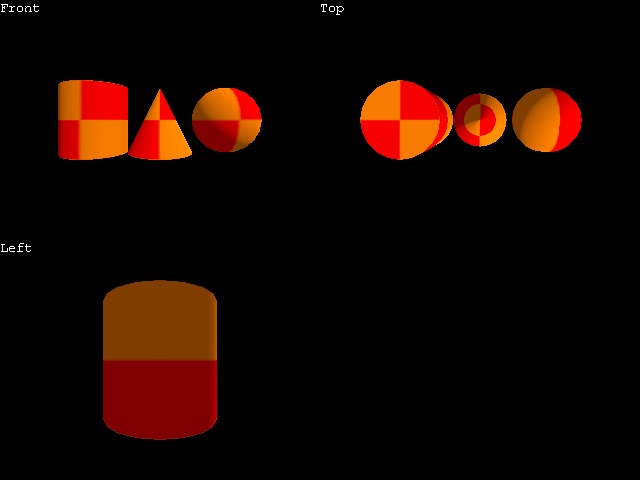
Multicam
Open it to read the code, then press F5 to run it.
Pick
Open it to read the code, then press F5 to run it.
Primitives
Open it to read the code, then press F5 to run it.
Teapot
Open it to read the code, then press F5 to run it.
Tex render
Open it to read the code, then press F5 to run it.
Tron
Open it to read the code, then press F5 to run it.
Global use_fog=FalseIf Lower$( Left$( Input$( "Use fog? :" ),1 ) )="y" use_fog=True;game FPSConst FPS=30Global info1$="Terrain demo"Global info2$="Arrows/A/Z move, F1-F4 change camera"Global info3$="W toggle wireframe, M toggle morphing"Global info4$="[ and ] alter detail level"Include "../start.abs";*******************;grrr..ATI - FIX IT!; HWMultiTex False ;;*******************Type Player
Xfighter
Open it to read the code, then press F5 to run it.